Editorial Magazine Resume Template
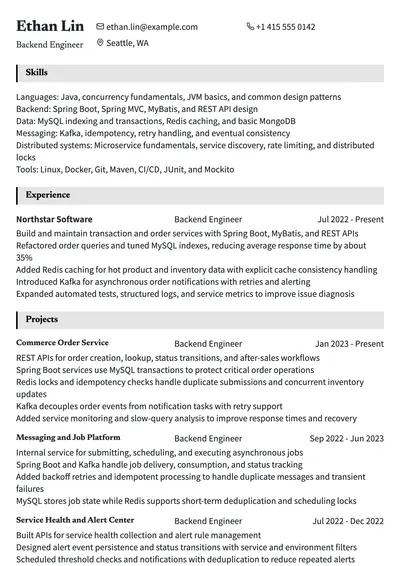
Editorial serif display headings paired with a refined side timeline
Best For
About This Layout
Inspired by print magazines and editorial monographs, the Editorial template contrasts expressive display typography with crisp narrow body text and a clean side timeline.
You get publication-grade graphic design without wrestling with InDesign or Figma—simply write your story and export a print-ready PDF.
Key Highlights
- Magazine-inspired hierarchy with striking serif/sans-serif pairing
- Integrated side timeline anchors experience chronologically
- Print-sharp A4 layout without needing design software
- Free local PDF, PNG, Markdown, and JSON export with zero watermarks
Writing & Formatting Tips
- Write a tight, confident title beneath your name to anchor the editorial masthead.
- Balance bullet lengths across roles so the editorial rhythm stays crisp.
- Monochrome black-and-white maximizes the editorial aesthetic, though subtle accents also work well.
Frequently Asked Questions
Do I need design skills to use the Editorial template?
Not at all. Type your resume content in the structured editor and Lucky Resume handles all alignment, contrast, and spacing automatically.
Will the fonts stay consistent in the exported PDF?
Yes. Our local PDF exporter embeds matching typography so your downloaded PDF looks just like the live preview.
Is the Editorial template free?
Yes, all 9 templates—including Editorial—are 100% free with no watermarks or registration.
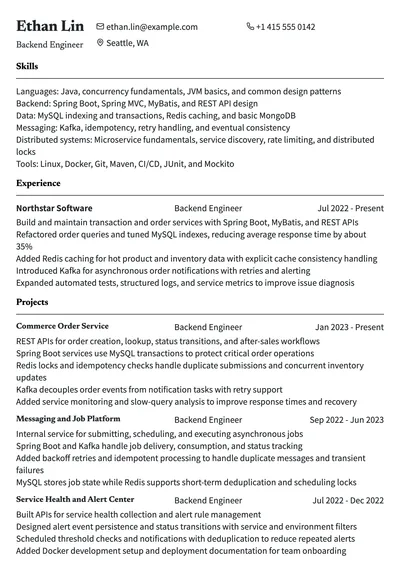 Classic Single-Column Resume Template
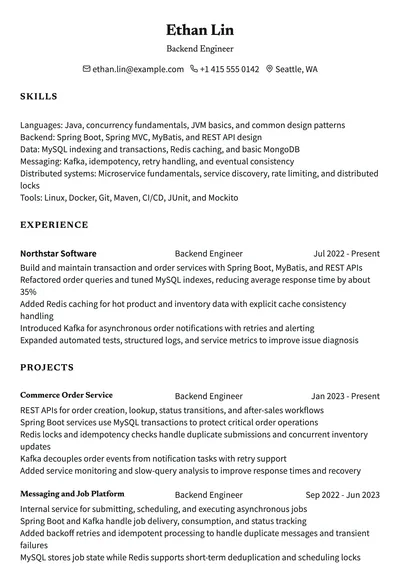 Minimalist Resume Template
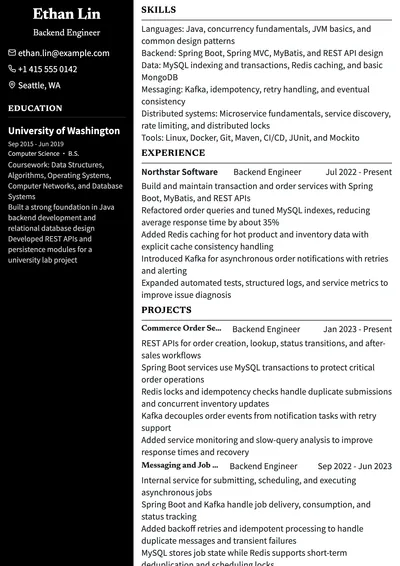 Modern Two-Column Resume Template
 Left-Right Split Resume Template