
1. Why Pretty Resumes Sometimes Fail ATS Parsing
Before a recruiter opens your file, an ATS extracts raw text from your PDF to populate structured fields—school, employer, dates, titles, and skills.
Resumes designed in graphic tools as flattened images, heavy multi-box tables, or icon-based skill bars often scramble text order or leave key sections unreadable.
2. Five Golden Rules for ATS-Friendly Formatting
You do not need an ugly plain-text document to pass ATS—just disciplined structure:
- Favor a clean single-column layout (such as Classic, Minimalist, or Elegant) for strict corporate or US/EU hiring pipelines.
- Always export selectable vector text PDF—never a flattened screenshot image.
- Use standard section headings: Experience, Education, Projects, Skills, Certifications.
- Replace star ratings and progress bars with plain skill labels (e.g., Python, SQL, React).
- Keep date formats consistent throughout (e.g., May 2023 – Present) so tenure calculates accurately.
3. The 10-Second Copy-Paste Self-Test
Open your exported PDF, press Cmd/Ctrl+A to select all text, and paste it into a plain text editor. If every section appears in logical top-to-bottom order without garbled characters, your PDF text layer is healthy.
4. Mirror Job Description Keywords Authentically
Scan 3–5 target job postings for recurring technologies, domain concepts, and role-specific skills. Weave the ones you genuinely have into both your Skills list and your Experience bullets with concrete outcomes.
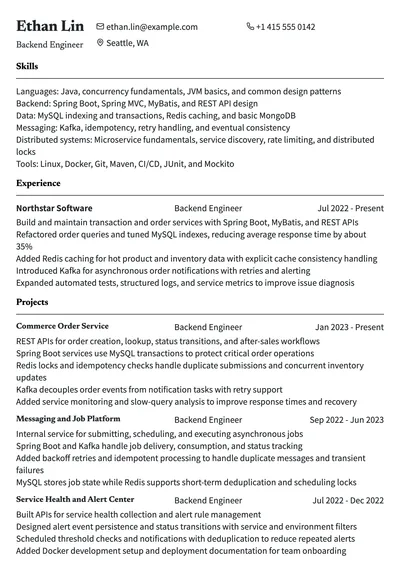 Classic Single-Column Resume Template
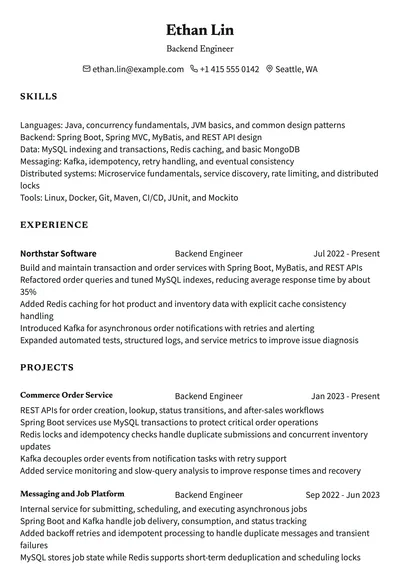 Minimalist Resume Template
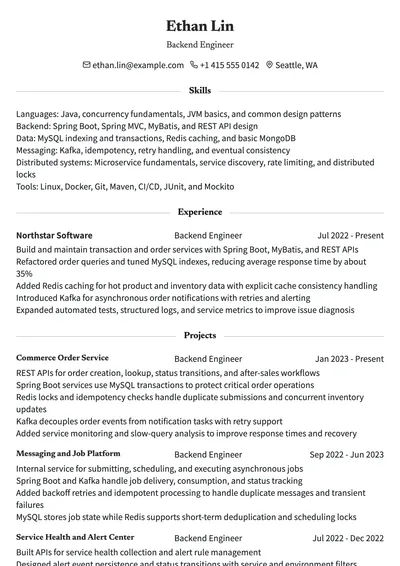 Elegant Resume Template